

 Hotel Booking Free for WordPress
0,00 kr. incl. VAT
0,00 kr. incl. VAT
Hotel Booking Free is the free basic version for smaller hotels, hostels, Bed & Breakfasts, and other accommodation providers that want to receive bookings directly on their WordPress website.
Free is a truly useful product, while Premium is a possible next step.
VAT and final payment are calculated at checkout.
Hotel Booking Free is a free basic solution for smaller hotels, hostels, Bed & Breakfasts, and other accommodation providers that want to receive bookings directly on their own WordPress website.
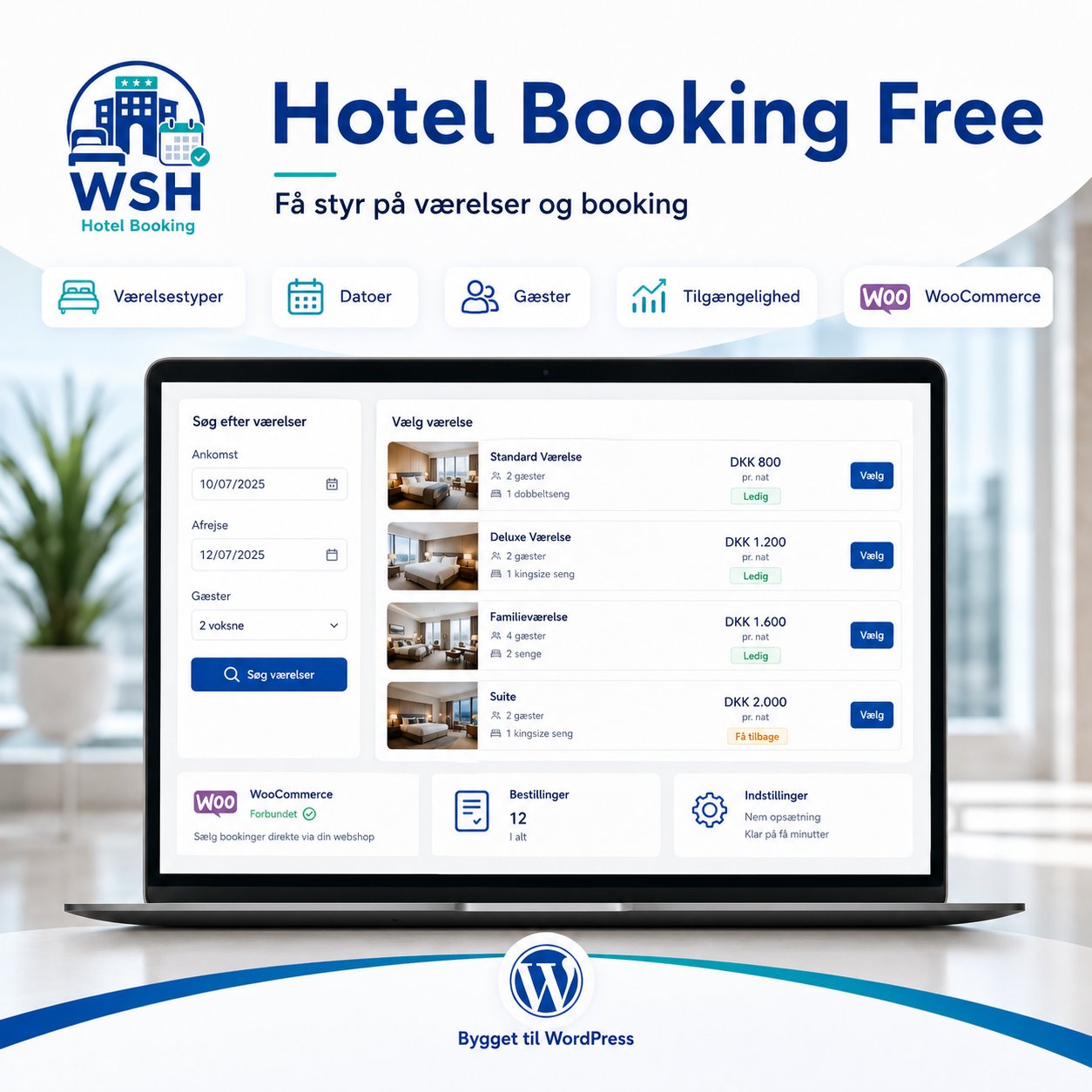
The plugin lets you create and present room types, allow guests to choose stay period and number of guests, and pass the booking on via WooCommerce.
The Free version can be used as a standalone start to the hotel’s direct booking flow. You therefore do not need to buy Premium to start receiving bookings.
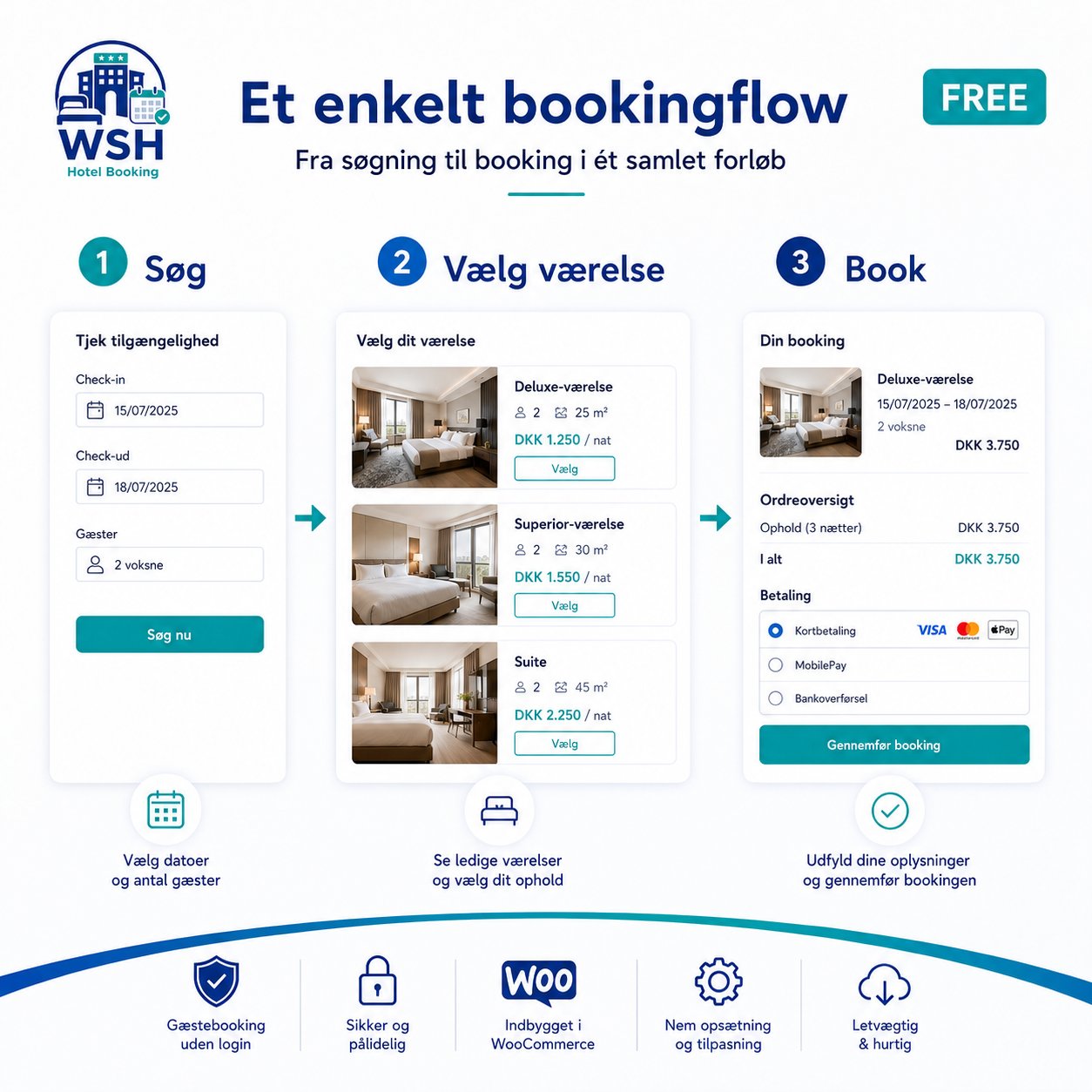
Guests can search for a stay based on arrival, departure, and number of guests. Relevant room options are then shown, which can be selected and taken through to booking and checkout.
This provides a more coherent experience than a standard contact form, because guests already decide on stay period, room type, and number of guests during the booking.
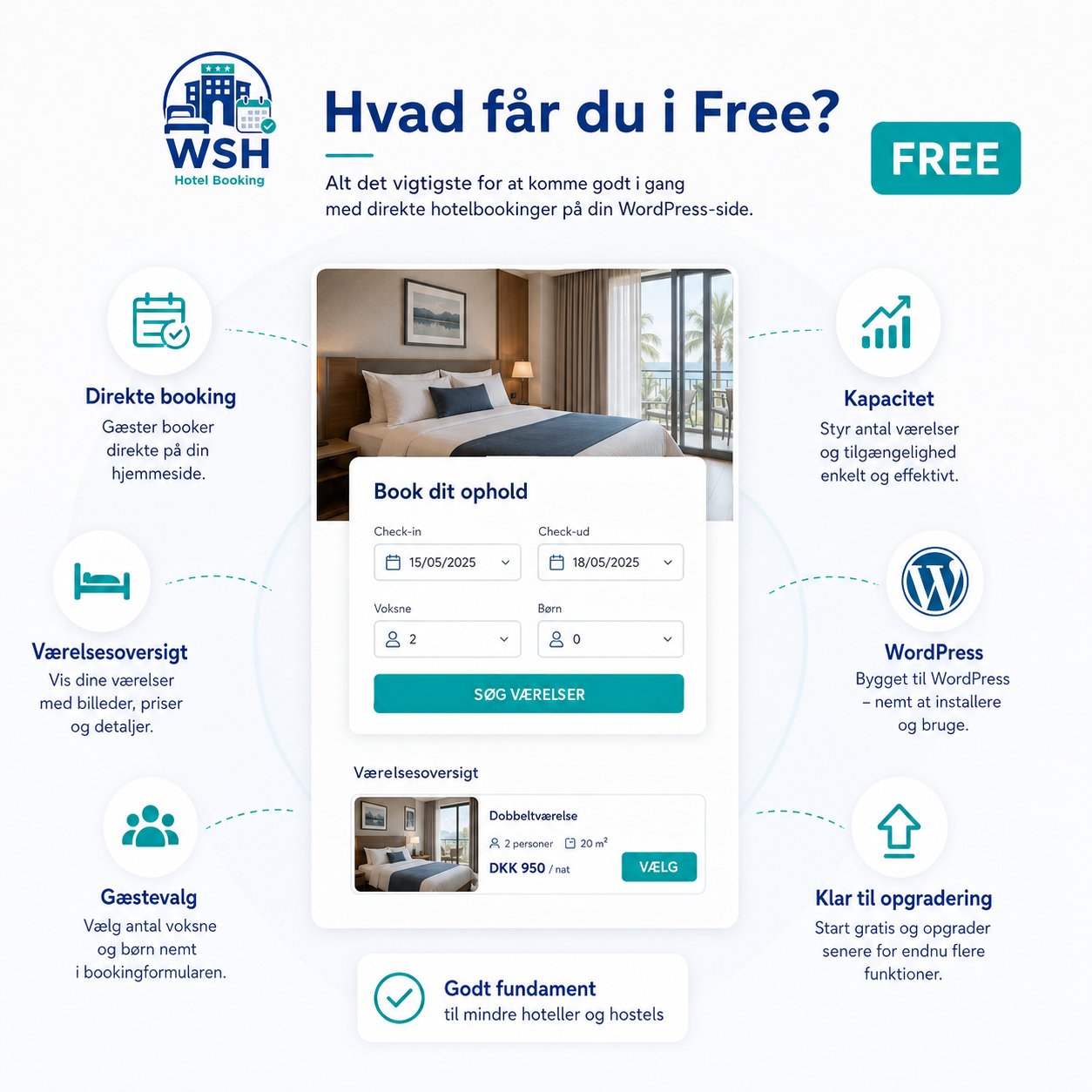
With the Free version, you can, among other things:
Hotel Booking Free is especially suitable for businesses that want to get started quickly with direct bookings without first investing in a large and complex hotel platform.
The solution can be used by, among others:
When guests book directly on your website, you keep contact with the customer throughout the entire process.
You decide how the rooms are presented, and you can build the booking experience together with the rest of the hotel’s website, information, and visual identity.
Hotel Booking Free works with WooCommerce, so the booking becomes part of a familiar WordPress structure.
When the hotel needs more features, the solution can later be expanded with Hotel Booking Premium.
Premium is relevant if you need, among other things, more advanced management of rooms, variations, prices, payments, add-ons, and day-to-day booking administration.
However, the Free version remains a useful basic solution and is not time-limited.
Hotel Booking Free is installed like a standard WordPress plugin and used together with WooCommerce.
After activation, the hotel’s room types, capacity, and basic booking details must be set up before guests can complete a booking flow.
The website must have:
A WooCommerce payment solution is only needed when guests must be able to pay online.
After installation, you will typically need to:
Always test the booking flow from the guest’s first search to the recorded WooCommerce booking before opening the solution to real guests.
The plugin is free, but installation does not automatically create the hotel’s rooms, texts, images, prices, or complete booking structure.
The hotel is responsible for entering correct information and ensuring the booking flow fits the business operations.
WebStyle can help with installation, setup, and testing as a separate service.
This help may include, for example:
Always take a full backup of the website and database before major updates.
On an active booking site, it’s also recommended to test major changes on a staging or test installation before installing them on the live website.
Hotel Booking Free includes the core features needed to present rooms and receive a simple booking via WordPress and WooCommerce.
The Free version is built as a usable base solution, not a time-limited trial.
You can create the hotel’s room types directly in WordPress and present them with the information guests need before booking.
This includes, for example:
Guests can choose arrival, departure, and number of people in the hotel’s search form.
The system uses the information to show relevant room options and move the guest forward in the booking process.
Hotel Booking Free helps link guest count and capacity to the created room types.
This provides more relevant search results and reduces the risk of guests choosing a room type that doesn’t fit the number of people.
Once the guest has chosen a stay, the booking continues through WooCommerce.
Here, the required order and guest details are collected as part of the hotel’s booking flow.
A WooCommerce-compatible payment solution can be added when the hotel wants online payments.
Room types and basic booking details are managed in WordPress.
This means the hotel can keep working in the same admin area already used for the website’s pages, images, and other content.
The Free version provides a foundation that can later be expanded with Hotel Booking Premium.
When upgrading, the hotel can access more features without switching to a completely different booking system.
Free updates
Updates may include bug fixes, security improvements, and adjustments for newer versions of WordPress and WooCommerce.
It’s always recommended to keep WordPress, WooCommerce, and Hotel Booking Free up to date.
Questions and bug reports about the plugin’s standard features can be submitted via the support options listed for the product.
A technical issue must be reproducible on a compatible, up-to-date WordPress installation.
The following is typically considered setup, operations, or separate consulting work:
WebStyle can help with these tasks as a separate paid service.
Take a full backup of the website and database before major updates or changes.
On an active booking site, it’s recommended to test major updates on a staging or test installation first.
No. The Free version can be used without a time-limited trial period.
No. Hotel Booking Free can be used as a standalone base solution. Premium is an optional add-on for hotels that need more features.
Yes. WooCommerce is used as part of the booking and ordering flow.
This requires a compatible WooCommerce payment solution to be installed and set up.
Yes. You can create the room types to be shown and used in the hotel’s basic booking flow.
Yes. The Free version can be used by smaller hotels, hostels, Bed & Breakfasts, and other accommodation providers with relatively simple booking needs.
The plugin is free, but full setup of rooms, WooCommerce, payments, design, and booking flow is not automatically included.
Yes. Installation, basic setup, customization, and testing can be ordered as a separate service.
Premium expands the solution with more options for rooms, variants, pricing, payments, add-ons, and booking management.
Free and Premium are built to work together. A normal upgrade should therefore not require the hotel’s basic setup to be recreated from scratch.
Use the support options listed for the plugin. If you report an issue, include the versions of WordPress, WooCommerce, and Hotel Booking, and describe how to reproduce it.
Hotel Booking Free for WordPress